
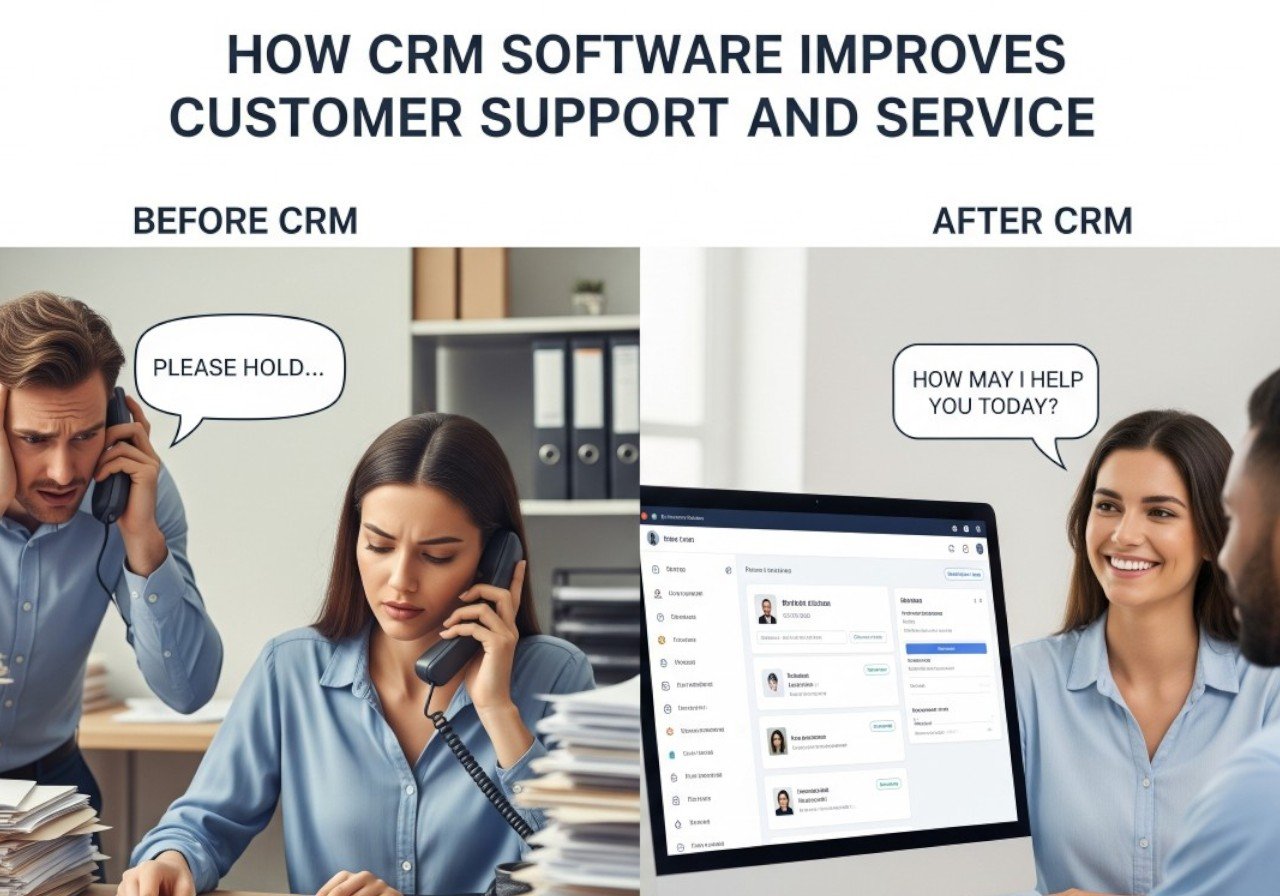
In today’s business environment, exceptional customer service is a major differentiator. Companies that fail to respond quickly or provide consistent support risk losing customers to competitors. Customer Relationship Management (CRM) software plays a vital role in enhancing customer support by centralizing information, tracking interactions, and streamlining processes.
CRM software allows support teams to respond faster, resolve issues efficiently, and provide personalized solutions. By using CRM effectively, businesses can ensure every customer interaction is meaningful, building trust and loyalty in the process.
Section 1: What is CRM Software?
CRM software is a platform that manages all interactions between a business and its customers. It stores contact information, communication history, purchase records, and support tickets in a centralized database.
Modern CRMs go beyond basic record-keeping by offering automation, analytics, and integration with other tools. Support teams can access real-time information, collaborate with other departments, and track customer satisfaction, enabling faster and more effective service.
Section 2: Key Customer Support Features of CRM Software
- Support Ticket Management: Track customer issues from submission to resolution efficiently.
- Centralized Customer History: Access all past interactions, purchases, and communications to provide informed support.
- Automated Responses: Send timely confirmations, follow-ups, and updates automatically.
- Multi-Channel Support: Manage customer queries from email, chat, social media, and phone in one platform.
- Knowledge Base Integration: Provide customers with self-service resources to resolve common issues.
- Analytics & Reporting: Monitor support team performance, customer satisfaction, and response times.
Section 3: Benefits of CRM for Customer Support
CRM software enhances support and service in several ways:
- Faster Response Times: Access to comprehensive customer history enables quick and accurate issue resolution.
- Consistent Service: Standardized processes ensure customers receive the same quality of support across all channels.
- Improved Customer Satisfaction: Personalized solutions and proactive follow-ups increase loyalty and trust.
- Better Collaboration: Support teams can share insights and updates with sales and marketing departments to provide cohesive service.
- Performance Tracking: Monitor response times, ticket resolution rates, and customer feedback to optimize support operations.
For example, a SaaS company can track all interactions with a client, ensuring that any recurring issues are addressed proactively. Similarly, an e-commerce business can resolve product complaints quickly by accessing order history and previous support tickets, enhancing customer satisfaction.
Section 4: Tips for Maximizing CRM in Customer Support
- Keep Customer Data Updated: Ensure all interactions, purchases, and feedback are accurately recorded.
- Automate Where Possible: Use automation for confirmations, follow-ups, and reminders to save time.
- Train Support Teams: Provide proper training so team members can fully utilize CRM features.
- Monitor Metrics: Track customer satisfaction, ticket resolution times, and response rates for continuous improvement.
- Integrate Across Departments: Share insights with sales and marketing to offer a unified customer experience.
Conclusion
CRM software is an essential tool for improving customer support and service. By centralizing data, automating tasks, and providing actionable insights, businesses can respond faster, resolve issues efficiently, and create a positive customer experience.
Companies that use CRM effectively in customer support not only enhance satisfaction and loyalty but also strengthen their overall brand reputation. In a competitive market, delivering exceptional support through CRM can be the key to retaining customers and achieving long-term business success.